Tagged
Listicle
Ranked list posts.
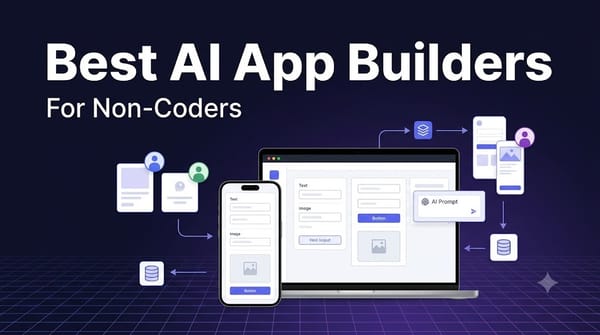
12 Best AI App Builders for Non-Coders, Ranked
I ranked the 12 best AI app builders for non-coders —Lovable, Bolt, Bubble, Glide, Replit, and more—based on ease of use, real app capability, pricing, and long-term maintainability.
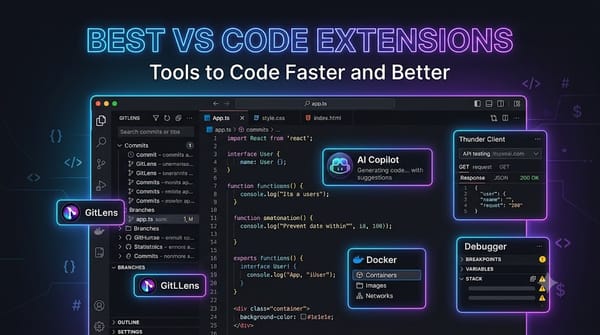
15 Best VS Code Extensions to Boost Developer Productivity
Discover the best VS Code extensions for faster coding, debugging, Git, AI development, API testing, formatting, and frontend productivity.

15 Best Open Source CRM, Ranked
This listicle is my honest, no-BS take on the best open source CRMs you can actually use without burning cash or sanity.

8 Best Free Resume Builders and ATS Checkers, Ranked
we have a practical, no-BS ranking of truly free resume builders and ATS checkers, based on what you can actually download and use without hitting a paywall.