
Hey everyone, Anukul here. I've built tools from scratch, grown user bases by 50K, and now I'm getting into system design to go from product manager to product engineer.
If you're a PM tired of getting lost in tech talks or aiming for bigger roles, this is your full guide. Read it, and you'll get what system design really is, how it's not like DSA, why you need it as a PM, and exactly how to do it yourself.
We'll use simple examples like building Instagram or Uber, step by step. Let's make you the PM who gets tech inside out.
What System Design Really Means?
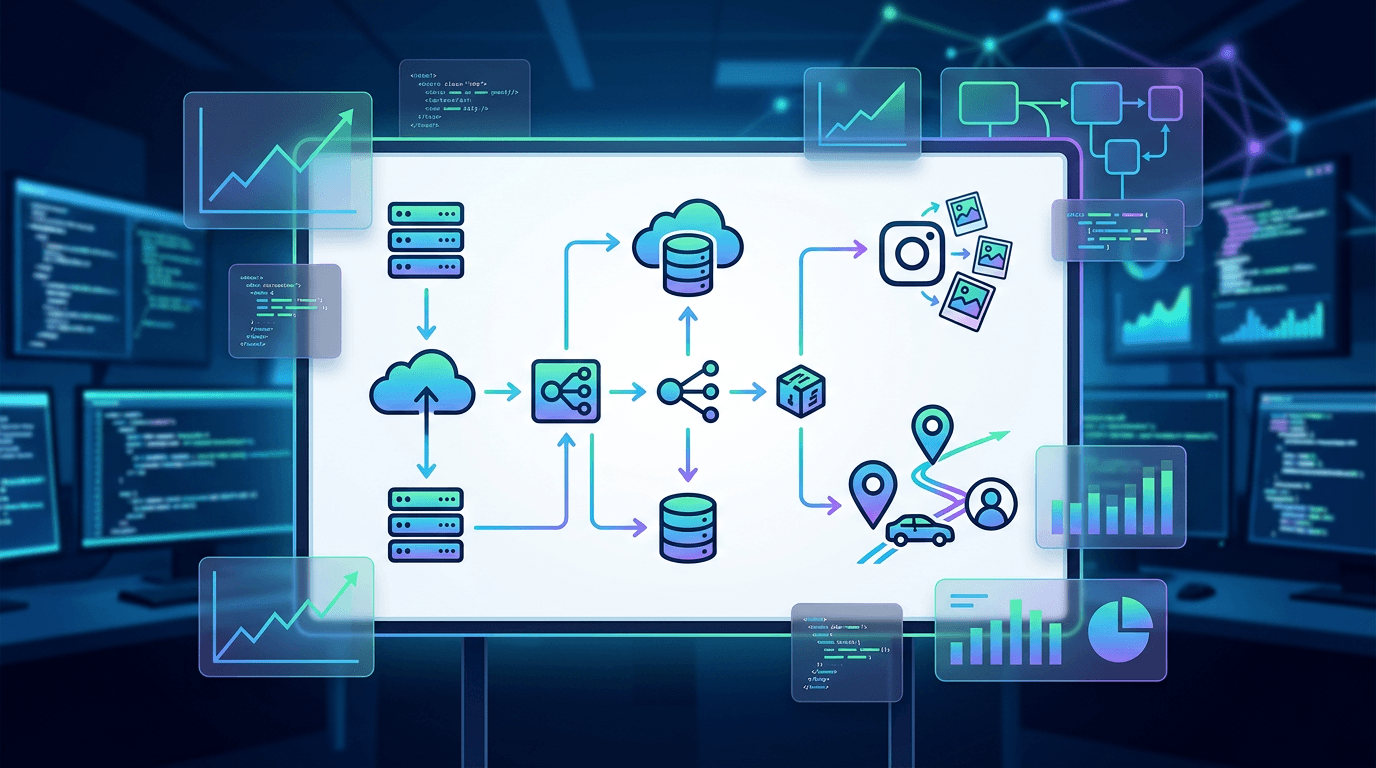
System design is just planning out a big app or service so it works for tons of people without breaking. Picture figuring out how Netflix sends videos to everyone at once—it's about the main pieces like servers, storage, and how they connect, not the tiny code details.
The big aims? Make it grow easy (scalability), stay up 24/7 (reliability), load fast (performance), cheap to run, and simple to fix. As a PM, you turn business ideas—like "get 50K more users"—into plans engineers can actually build.
Quick Example: A basic blog is web page → server → database. For millions? Add helpers like caches to speed things up.
How It's Different from DSA
DSA is all about smart tricks for handling data, like the quickest way to sort a shopping list or find stuff fast. It's math-y, great for job interviews, but real coders use ready-made tools for it most days.
System design is the bigger plan: putting those tricks into a full setup that handles crazy loads. DSA fixes one small part; system design connects everything. Know a bit of DSA helps pick the right fixes, but system design is what teams use every day to build real stuff.
| Thing | DSA | System Design |
|---|---|---|
| What it does | Quick data fixes | Full app plan |
| Size | Small lists | Billions of users |
| For PMs | Job chats | Team talks, big plans |
| Daily use | Hidden in tools | Every new feature |
PMs: Skip heavy DSA. Focus here to talk like an engineer.
Why Every PM Should Learn This
Without it, you dream up features that cost way more or take forever to build.
Here's how it helps you:
- Talk straight with developers: "Can this handle 10 times more people?"
- Pick winners: Fast but pricey, or cheap but slower? You decide smart.
- Land better jobs: Big companies test PMs on this. It can bump your pay 20-30%.
- Build quicker: Fewer back-and-forths with tech teams.
- Stay ahead: In 2026, with AI everywhere, PMs who get systems run the show.
It makes you the go-to leader who gets results.
Main Goals in Plain Terms
Aim for these must-haves:
- Grow easy: Add more machines as users pile on.
- Always works: Backups so one crash doesn't kill it.
- Feels fast: Caches for instant loads.
- Data stays safe: Right storage for money stuff vs. fun posts.
- Track everything: Tools to spot problems quick.
Easy Rule (CAP): In tough spots, pick speed or perfect data—but not both when networks glitch. Netflix picks speed.
Step-by-Step: How to Plan a System
Use this simple flow. Practice on easy ones like a short-link app.
Step 1: Figure Out What It Needs
List must-dos (post photos) and limits (1 million users a day, super fast).
Uber Example: Match riders/drivers nearby, handle rush hour.
Step 2: Rough Sketch
- Front: Phone app.
- Middle: Door keepers for traffic.
- Back: Storage for users/trips.
- Extras: Lines for emails.
Step 3: Pick Tools and Fixes
- Storage: Main one for key info, fast one for extras.
- Speed: Memory caches.
- Grow: Split data across machines.
Instagram Breakdown:
- Home feed: Pre-make lists, store quick.
- Photos: Cloud files + fast delivery nets.
- Big scale: Copy reads, smart writes.
Step 4: What If It Breaks?
Duplicates for safety. Watch with simple dashboards.
Step 5: Tweak It
Start basic, add as needed.
TinyURL Practice:
Shorten links → store smart → spread reads.
PM Examples from Real Life
- Spotify: Small teams own app chunks, messages connect them.
- My RICE Tool: Basic code → added storage for big lists.
- Uber: Splits maps by city for quick finds.
Must-Watch Video Course: Get Good Fast
Watch these in order—like a free bootcamp. By the end (10-15 hours), you'll handle average system designs easy, maybe even pro-level. From beginner to solid PM expert.
- Start Here: System Design for PMs (30 min) - Basics in plain talk.
2. Architecture for Non-Tech Folks (45 min) - Layers explained. \
- Full Beginner Course (2-3 hours) - Step-by-step builds.
- PM Interview Prep (1 hour) - Common questions.
- 30 Key Ideas (playlist, 4 hours) - Deep must-knows.
- Tech PM Designs (1 hour) - Real mocks.
Boom—you're set. Practice one a day.
Your Quick Start Plan
- Read a summary book like "System Design Primer" (free online).
- Watch the playlist above.
- Sketch one system daily: Twitter, YouTube.
- Chat it with your dev team.
You'll crush it.






Comments